
Easy Invoice PDF1.0 - Google Play
You'll be able to see results in few seconds.
Publisher Description
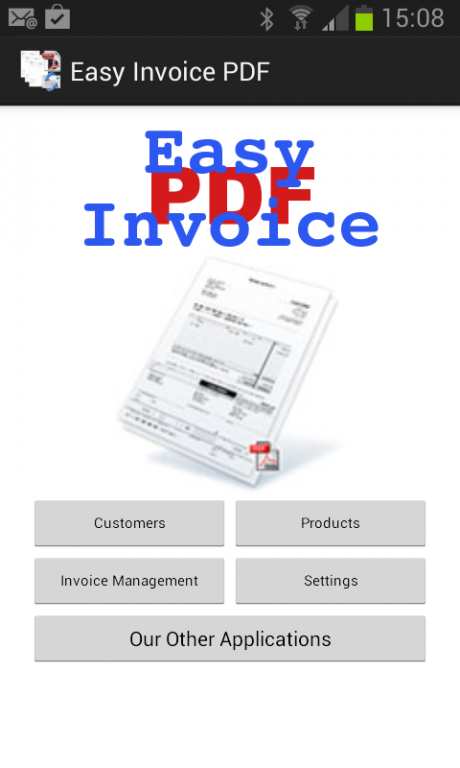
EASY INVOICE PDF, is an application that is simple and inexpensive, to solve all of your billing problems.
In few minutes you can create an invoice and send by email to your customer, the created PDF will be saved directly on your device, in order to give the chance to print them or save them on your PC.
The simplicity of this application for Android Devices, lets you create an invoice in a minute, directly from your customer.
This application was born from an experience from well 15 years experience in creating software for small and medium enterprises.
This application works in the languages: ENGLISH, ITALIAN, FRENCH, SPANISH, GERMAN.
TECHNICAL FEATURES:
- Customers Management;
- SMS Management & Calls;
- Products Management;
- Barcode Management;
- Invoices Management;
- Email Management;
- File sharing Management;
- Management of Currencies. Euro, dollar, pound sterling, Swiss Francs, etc ...;
- Manage up to 6 simultaneous VAT rates;
- Preview of the invoice;
- Viewing PDFs created;
- Possibility to place products in real-time on invoices;
- Managing Archive Invoices;
- Ability to insert a comment;
- Withholding tax Management;
NB. (Some keystrokes could respond after a few seconds for the amount of data processed)
About Easy Invoice PDF
The company that develops Easy Invoice PDF is Alessandro Busso. The latest version released by its developer is 1.0.
To install Easy Invoice PDF on your Android device, just click the green Continue To App button above to start the installation process. The app is listed on our website since 2014-06-03 and was downloaded 0 times. We have already checked if the download link is safe, however for your own protection we recommend that you scan the downloaded app with your antivirus. Your antivirus may detect the Easy Invoice PDF as malware as malware if the download link to com.bussomegasystem.fatturafacile.app is broken.
How to install Easy Invoice PDF on your Android device:
- Click on the Continue To App button on our website. This will redirect you to Google Play.
- Once the Easy Invoice PDF is shown in the Google Play listing of your Android device, you can start its download and installation. Tap on the Install button located below the search bar and to the right of the app icon.
- A pop-up window with the permissions required by Easy Invoice PDF will be shown. Click on Accept to continue the process.
- Easy Invoice PDF will be downloaded onto your device, displaying a progress. Once the download completes, the installation will start and you'll get a notification after the installation is finished.
Program Details
System requirements
Download information
Pricing
Version History
version 1.0
posted on 2014-06-03
Disclaimer
Official Google Play Link
We do not host Easy Invoice PDF on our servers. We did not scan it for viruses, adware, spyware or other type of malware. This app is hosted by Google and passed their terms and conditions to be listed there. We recommend caution when installing it.
The Google Play link for Easy Invoice PDF is provided to you by apps112.com without any warranties, representations or guarantees of any kind, so access it at your own risk.
If you have questions regarding this particular app contact the publisher directly. For questions about the functionalities of apps112.com contact us.
